Your clinic’s records, whichever practice software you use.
Anyhealth connects to the practice management software you already run. It reads your diary, your patients and their treatment notes, answers questions across all of it, and writes every note you sign back where it belongs.
Change practice software, add a site on a different system, or run one system per discipline. Your clinical work stays in one place, and every note you sign is still written back into the system your practice runs on.
How it works
Step one
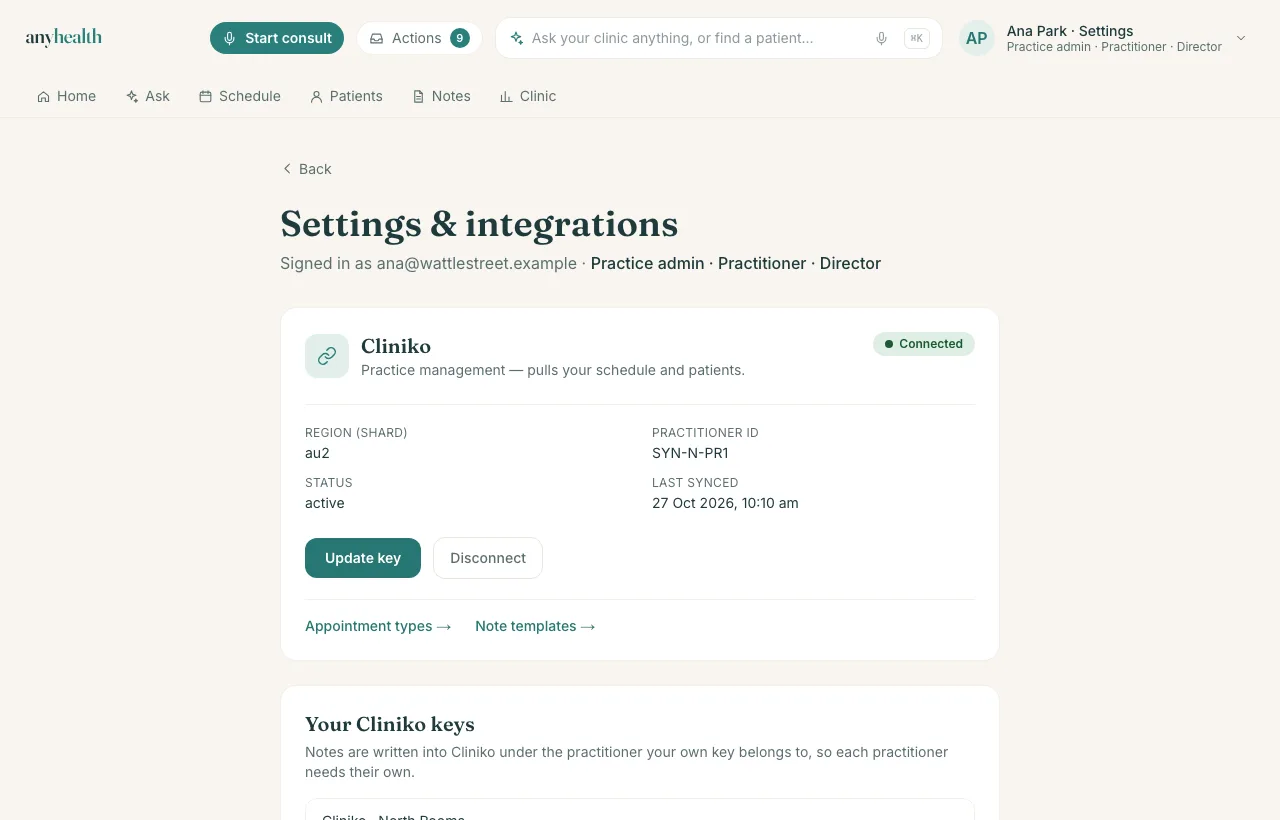
Connect your practice management software
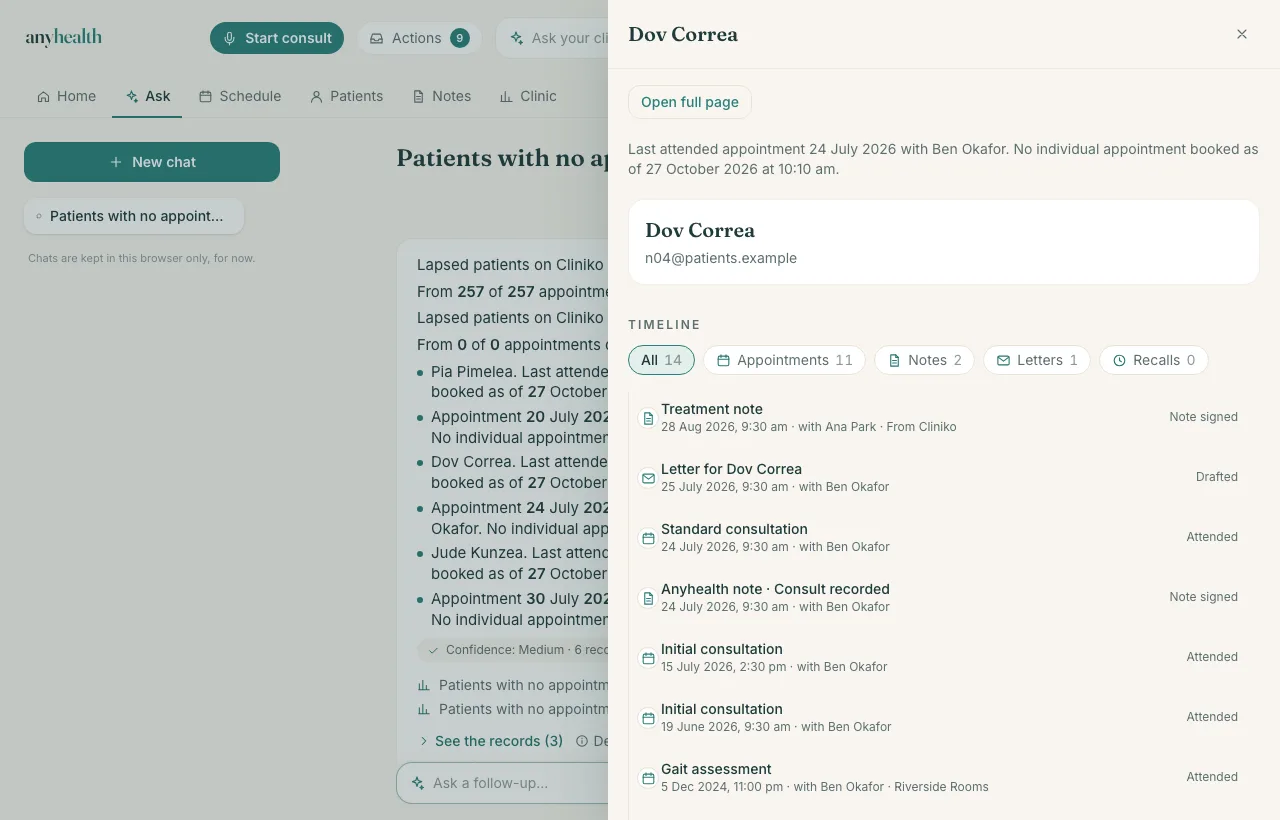
Anyhealth reads the appointments in your diary, the patients attached to them and their treatment notes, including the ones written before you started. A consult arrives already knowing who it is for and what kind of appointment it is, and every note you sign is written back against the right patient and the right appointment.
Step two
Record the consult, or dictate it afterwards
Anyhealth drafts the note in the format that appointment type already uses, section by section, ready for you to read and sign. Nothing reaches your practice management software unsigned.
Step three
Ask across everything, in one view
Treatment notes from your practice software, and the notes, letters and reports written in Anyhealth, sit on one patient timeline and answer one set of questions, each answer citing the record it came from. A group on two accounts has one place to look.
Cliniko today, Nookal in early access
Anyhealth is not built around any one vendor, so adding a new system does not mean rebuilding the product. Where each one stands today:
 Available now
- Connected today. Anyhealth reads the appointments in your diary and the patient details attached to them, and writes each note you sign back against the right patient and the right appointment, in your own treatment note format.
- Cliniko is a registered trademark.
- NookalEarly access
- Onboarded personally, a small number of practices at a time.
- Something else
- More systems are added as practices request them, and the same goes for the other places your clinic’s information lives, such as an assessment or exercise platform, a forms tool or shared documents. Tell us what you would want connected and we will tell you where it stands, including “not yet” if that is the answer.Tell us what you want connected
Switching practice management software
Practices that change practice management software keep their note formats, their consent records and the notes they have signed in Anyhealth. On switch day the new system is connected and your documentation continues without re-entry.
Appointment history, invoices and claims move through your practice management provider’s own export and import tools, and we help you plan the sequence so the two do not collide.
If you are planning a switch, talk to us before you start. Most problems come from doing things in the wrong order, and that is easier to plan than to fix.
Groups with more than one system
Multi-site groups often run different practice software across locations or disciplines, usually for reasons that were sound at the time and are expensive to undo. One Anyhealth account can hold a connection to each of them.
Practitioners get the same tools at every site, and each note they sign goes back into the system that site runs on. The group gets one consolidated view of clinical activity across every location, without changing anyone’s practice management software or consolidating systems first.
Australian by design
Audio, transcripts and clinical content are processed and stored in Australia; storage is in AWS’s Sydney region. Note drafting runs on an Australia-only inference profile (AWS’s Sydney and Melbourne regions), chosen over the wider Asia-Pacific one specifically so clinical content is not routed offshore.
Your clinical records remain the property of your practice. Signed notes are written back into your own practice management software as you sign them, so if you stop using Anyhealth the records are already where they belong.
Common questions
- Does Anyhealth work with Cliniko?
Yes. Cliniko is connected today: Anyhealth reads the appointments in your diary, the patients attached to them and their treatment notes, including notes written before you started, and writes each note you sign back against the right patient and the right appointment, in your own treatment note format.
Nookal is in early access, onboarded personally and a small number of practices at a time. If you run something else, tell us which one, because that is how we decide what to connect next.
- What happens to my notes if I change practice management software?
Your note formats, your consent records and the notes you have signed stay in Anyhealth. On switch day the new system is connected and your documentation continues without re-entry.
Appointment history, invoices and claims move through your practice management provider's own export and import tools. We help you plan the sequence so the two do not collide.
- Can different sites use different practice software?
Yes. One Anyhealth account can hold a connection to more than one practice management system. A group running different software across locations or disciplines gives every practitioner the same tools, sends each signed note back into the system that site runs on, and gets one consolidated view of clinical activity across all of them.
- Where is my data stored?
Audio, transcripts and clinical content are processed and stored in Australia; storage is in AWS's Sydney region. Your clinical records remain the property of your practice.
Tell us what you run.
Every practice is onboarded by hand, so the first call covers which system you are on, what you document and whether Anyhealth fits. If it does not, we will say so.